Visual learning with images and technical terms: what really works at university
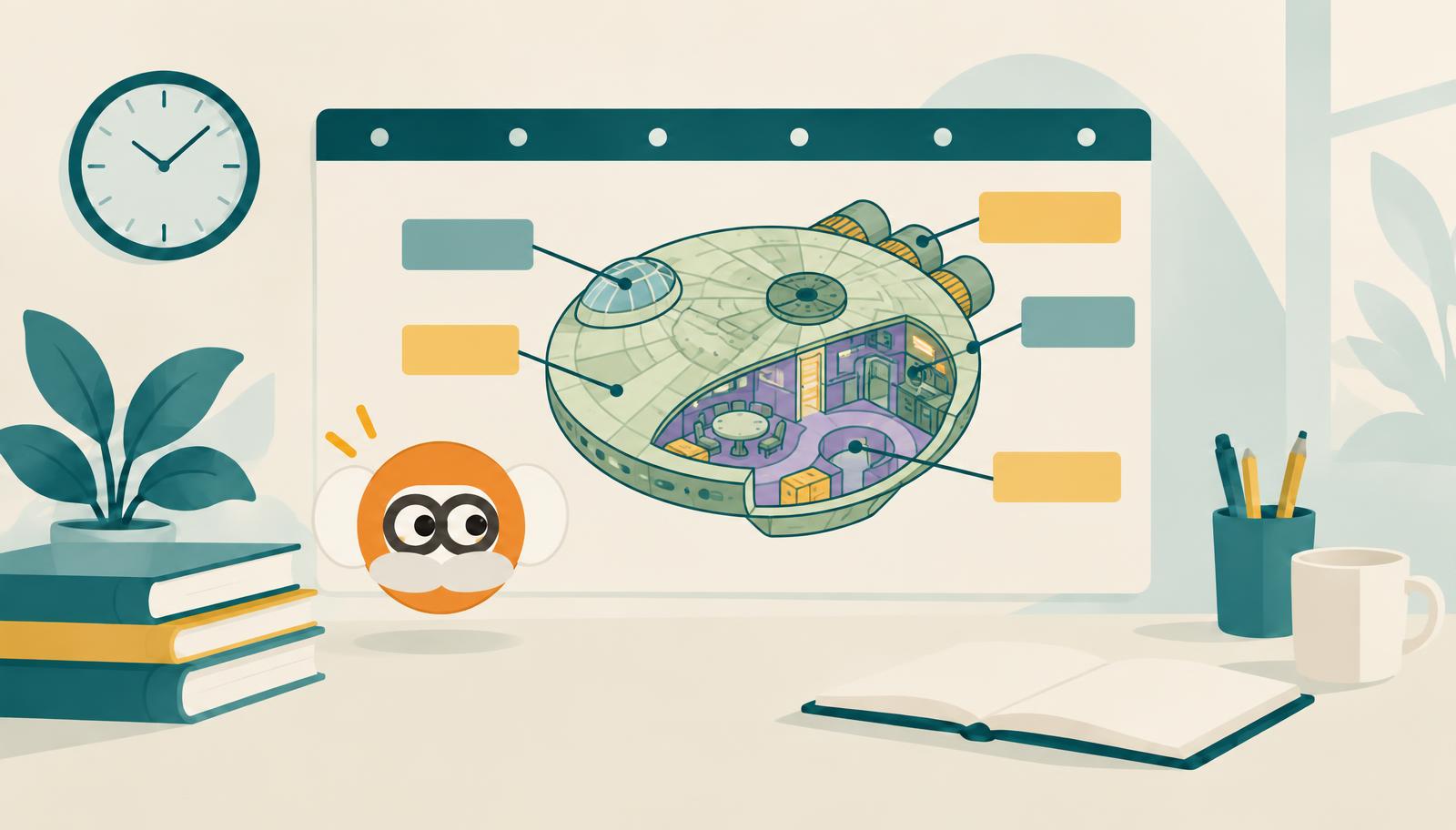
In short: Images help you learn, but not because some people are “visual learners.” They help almost everyone when images and technical terms are combined and you work with them actively. The strongest approach is to cover the labels on a diagram and name them yourself, practise technical terms in both directions, and repeat the whole process over several days. Simply looking at attractive images, on the other hand, does little.
The “visual learner” is a myth
Many students say, “I'm a visual learner.” Research finds little evidence to support this.
A 2024 meta-analysis evaluated 21 studies with more than 1,700 participants (Clinton-Lisell and Litzinger). The question: Do people learn better when instruction matches their preferred learning style? The effect was small, and only about a quarter of the measurements showed the pattern predicted by learning styles theory. The authors advise against designing instruction around it.
A study involving 332 students at the University of California, published in August 2026, reached a similar conclusion (Xing and Nicholas). Students who considered themselves visual learners or had very vivid mental imagery recalled the material more “clearly” during the exam, but did not answer more questions correctly.
That is good news: Learning with images is not a talent. It is a method anyone can use.
What really works: images and terms together
There is extensive research on multimedia learning. An overview of 29 reviews covering 1,189 studies and more than 78,000 participants (Noetel and colleagues, 2022) shows which design choices help. Two things are particularly effective:
- Text directly beside the image. Labels belong at the point in the diagram they explain, not in a legend underneath.
- Highlighting what matters. Arrows, markings, and colours that direct attention to the essential information.
What does not work matters too. In an experiment from November 2025, participants viewed the same learning unit with many, few, or no images and animations (Schmidt and colleagues). More images made the unit seem more engaging, but participants did not learn more. Prettier slides alone do not make you smarter. What matters is what you do with the image.
Working actively with images
Two findings show what matters:
Creating beats looking. People who draw a term rather than write it down remember it much better (Fernandes, Wammes, and Meade, 2018). The effect did not depend on drawing ability and appeared after just a few seconds of drawing.
Retrieval beats review. People who retrieve knowledge from memory rather than look at it again retain more. This is one of the best-supported findings in learning research.
Image occlusion combines both: You see a diagram with its labels covered and have to retrieve the terms yourself. There are still few studies on image occlusion as a method in its own right. However, it combines images and terms with active retrieval, and these components are well supported by research. That is why it is widely used by students in subjects with many diagrams, such as anatomy, biochemistry, or botany.
Step by step: visual learning with your slides
1. Select the diagrams relevant to the exam
Not every illustration on every slide matters. Choose diagrams referenced in the lecture or past exam papers: metabolic pathways, organ structures, processes, models. There are usually only a few per lecture.
2. Write the terms directly beside the image
Place the technical term directly beside each important structure. If the slide only has numbers and a legend, move the terms to the correct locations.
3. Cover and name
Cover the labels and name each location from memory. Then check what you got right. Anything you did not know comes first next time.
4. Practise technical terms in both directions
You have only learned a term once you can use it in both directions: from the term to the explanation (“What does ATP synthase do?”) and from the explanation to the term (“Which enzyme uses the proton gradient to produce ATP?”). Exams often test the second direction, while students usually practise only the first.
5. Sketch it yourself
Draw a process from memory once, as roughly as necessary. Then compare it with the original. The gaps show you exactly what you have not yet understood.
6. Space out your reviews
Review the covered diagrams and technical terms after one day, after a few days, and after one to two weeks. Material you know confidently moves to a later review.
The most common mistakes
| Mistake | Better approach |
|---|---|
| Looking at a diagram and thinking “I understand it” | Cover the labels and name them yourself |
| Learning the legend below the image | Place terms directly at the relevant locations in the image |
| Practising terms in only one direction | Term → explanation and explanation → term |
| Learning every illustration in the slides | Learn only those that could appear in the exam |
| “I'm just not a visual learner” | Images help everyone when you work with them actively |
How Learngine does it
Visual learning is one of Learngine's strengths, and it uses exactly these components.
- Images: Learngine extracts the charts and diagrams from your slides and course notes, labels them, and identifies the source.
- Image occlusion: The labels on your diagrams are covered, and you name them yourself, from memory.
- Technical terms: You practise the technical terms from your material in both directions, from term to explanation and from explanation to term.
- Flashcards with images: Diagrams can also appear on the front of your flashcards, so that the question and image are recalled together.
- Review: Lumi schedules everything alongside your other exercises leading up to the exam.
The AI prepares the images and terms. You have to name and explain them yourself, because that is precisely when learning happens.
Frequently asked questions
Am I a visual learner?
You probably have preferences, and that is fine. According to current research, however, they make little difference to your learning success. Images combined with terms and active retrieval help almost everyone.
Do I need to be good at drawing?
No. In the drawing studies, the effect did not depend on drawing ability. Rough sketches are enough.
Do colourful, elaborately designed slides help with learning?
Only to a limited extent. They make the material more pleasant, but do not automatically improve learning. What matters is that the term and image appear together and that you work with them actively.
Which subjects are especially suited to visual learning?
Any subject involving structures, processes, and models: medicine, biology, chemistry, physics, engineering, but also economics with its diagrams and models. Practising technical terms in both directions helps in every subject.
Sources
- Xing, Z. & Nicholas, A. (August 28, 2026): Vividness of visual imagery is associated with perceived clarity of recall but not with accuracy during exams. Frontiers in Psychology, 17. Article
- Schmidt, K. J., Dukewich, K. R., Symonds, C. I. & Thrasher, A. V. (November 20, 2025): When more isn't better: evidence for an instructional equivalence hypothesis in multimedia design. Frontiers in Psychology, 16. Article
- Clinton-Lisell, V. & Litzinger, C. (July 10, 2024): Is it really a neuromyth? A meta-analysis of the learning styles matching hypothesis. Frontiers in Psychology, 15. Article
- Noetel, M. et al. (2022): Multimedia Design for Learning: An Overview of Reviews With Meta-Meta-Analysis. Review of Educational Research, 92(3), 413–454. Article
- Fernandes, M. A., Wammes, J. D. & Meade, M. E. (2018): The Surprisingly Powerful Influence of Drawing on Memory. Current Directions in Psychological Science, 27(5), 302–308. Summary
Learngine. As of November 6, 2026.
More from Knowledge
All articles on study methods and guides for university and school